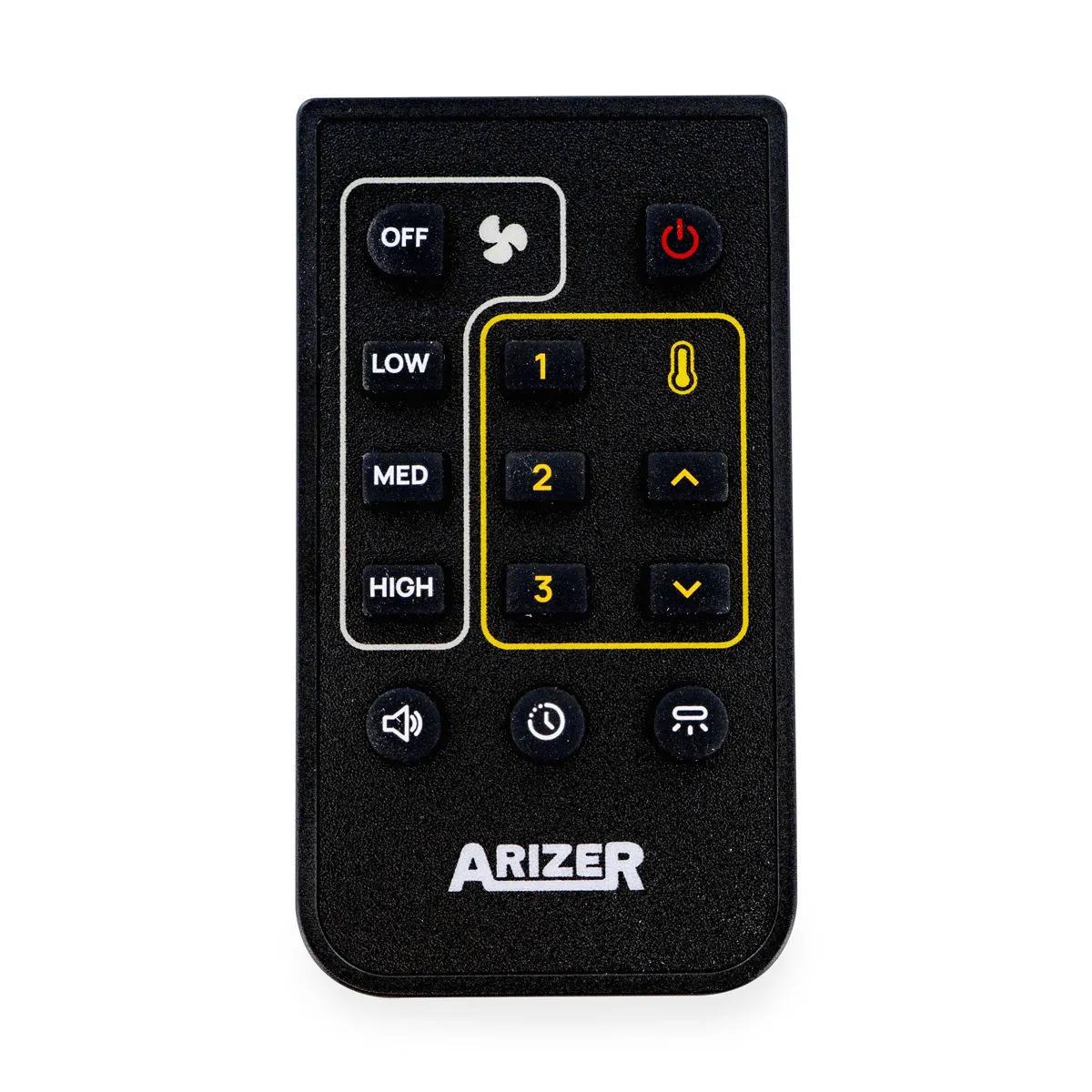
Arizer XQ2 Remote Control
The Arizer XQ2 remote control is a wireless infrared accessory that provides full command over your desktop vaporizer's temperature, fan speed, and preset modes from up to 6 metres away. Pair it once, and you can adjust every setting without leaving the sofa. No more hunching over the unit mid-session — just point, press, and the XQ2 responds instantly.
Why the XQ2 Remote Control Makes a Difference
The Arizer XQ2 remote control eliminates the need to physically interact with your desktop unit during a session, giving you identical granular control from your seat. Desktop vaporizers are brilliant — you get massive chambers (the XQ2's connoisseur bowl fits up to 0.5 g of dry herb), consistent heating across the full 50 °C–260 °C range, and vapour density that portables can't touch. But the trade-off has always been that you're tethered to the unit. You pack the bowl, set your temperature, sit down, then realise you want to bump it up 5 degrees. So you get up again. And again.
This remote addresses that friction entirely. The buttons are deliberately oversized — no fiddly smartphone-style interface, just clear, tactile controls you can operate without looking. You get direct access to custom temperature settings in 1 °C increments, preset modes, and fan adjustments. The XQ2 is designed for both whip and balloon delivery according to Arizer's official specifications, and being able to toggle between modes or fine-tune temperature from your seat genuinely changes how you use the vaporizer.
One honest note: the remote uses infrared, so you'll need a reasonable line of sight to the unit. It's not Bluetooth — don't expect it to work through walls or from another room. Within the same space, though, it's responsive and reliable at distances up to approximately 5–6 metres. We've had ours on the counter since launch and haven't needed to replace the CR2025 battery yet.
Arizer XQ2 Remote Specifications
The XQ2 remote weighs under 30 g with battery and measures roughly 85 × 40 × 8 mm — small enough to slip between sofa cushions, which is both a feature and a warning.
| Spec | Value |
|---|---|
| Compatibility | Arizer XQ2 desktop vaporizer |
| Connection Type | Infrared (IR) wireless |
| Effective Range | Up to ~5–6 metres (line of sight) |
| Button Layout | Large, intuitive controls |
| Functions | Temperature control, preset modes, fan speed, custom settings |
| Battery | CR2025 coin cell (6–12 months typical life) |
| SKU | VS0304 |
| Brand | Arizer (Canada) |
| Included | 1× remote control unit |
| Control Method | Technology | Range | Requires Phone | Pairing Complexity |
|---|---|---|---|---|
| Arizer XQ2 Remote | Infrared | ~5–6 m (line of sight) | No | One-step via settings menu |
| Volcano Hybrid App | Bluetooth | ~10 m | Yes | App install + BT pairing |
| Base Unit Controls | Physical buttons | 0 m (on-unit) | No | None |
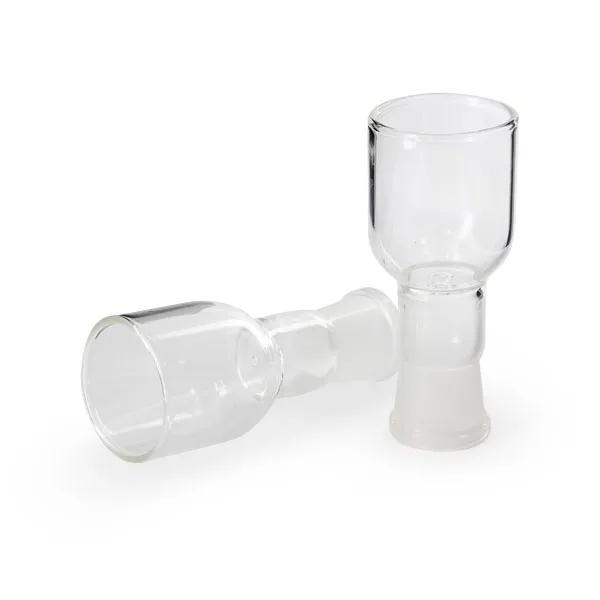
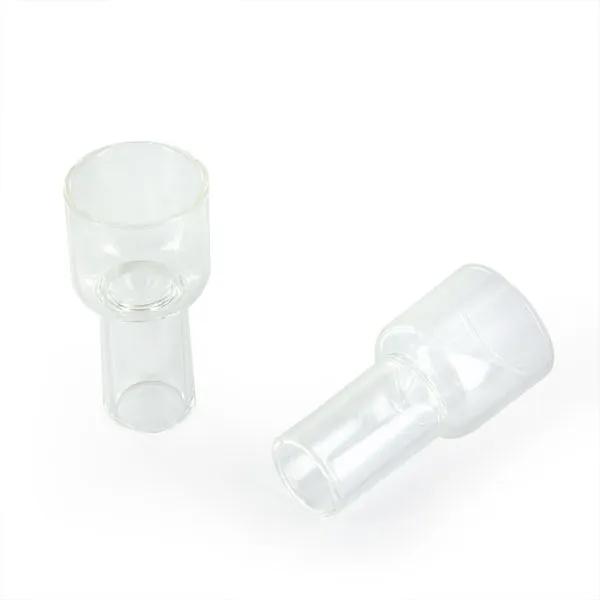
Complete your setup: if you're replacing a lost remote, it's worth checking your glass parts too. The Arizer XQ2 Cyclone Bowl, replacement balloon bags, and whip tubing wear out over time — fresh glass and silicone make a noticeable difference to vapour flavour and airflow. Pair this remote with a new cyclone bowl or Arizer XQ2 replacement screens for a full refresh of your desktop setup. You can buy all XQ2 accessories in the Arizer accessories category.
How the XQ2 Remote Compares to Using the Unit Directly
The XQ2 remote replicates every function available on the base unit's onboard controls, with zero lag in normal use. Arizer didn't skimp on the unit's own interface — the LCD panel shows precise temperature readouts and the physical buttons respond quickly. So why bother with the remote?
It comes down to session flow. The XQ2 heats to your target temperature in roughly 2–3 minutes (Arizer rates the ceramic heating element at 200 °C in under 2 minutes). Once you're settled with the whip or waiting for a balloon to fill, breaking that flow to walk over and adjust settings interrupts the entire experience. The remote gives you the same granular control — temperature adjustable in 1 °C increments across the full 50 °C–260 °C range, totalling 210 discrete temperature steps — without moving. It's the difference between a session that feels effortless and one that feels like you're operating machinery.
Compared to the Volcano Hybrid's app-based control, the XQ2 remote is simpler and more immediate. No Bluetooth pairing issues, no app updates, no phone dependency. Point, press, done. According to community feedback on forums like FC (FuckCombustion), users who've tried both approaches tend to prefer dedicated remotes for daily reliability over smartphone integration. If you value straightforward function over feature creep, this is the better approach.
How to Pair and Use the Arizer XQ2 Remote
Pairing takes under 30 seconds and only needs to be done once — the XQ2 remembers the remote after a single successful handshake.
- Turn on your Arizer XQ2 desktop vaporizer and allow it to reach the home screen.
- Navigate to the settings menu on the XQ2's base unit display.
- Select the remote pairing option — the unit will enter pairing mode.
- Point the remote at the XQ2's IR receiver (front panel) and press the pairing button.
- Once paired, test by adjusting the temperature up or down — the display should respond immediately.
- Use the preset buttons to cycle through your saved temperature profiles, or adjust fan speed for balloon filling.
- Maintain line of sight between remote and unit during use for consistent response.