We'll only email you about this product — no marketing.
On Balance Envy Mini Scale (500g x 0.01g)
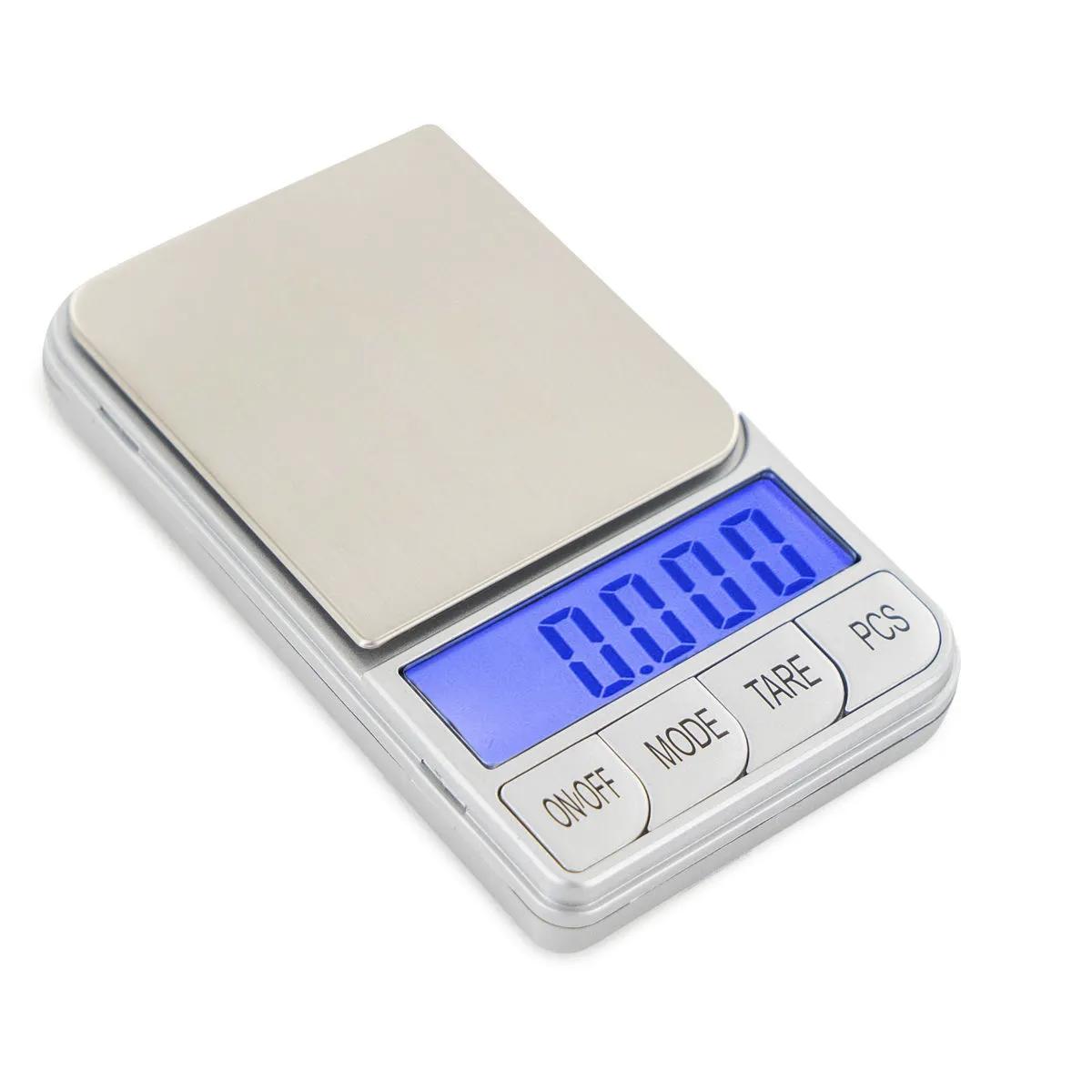
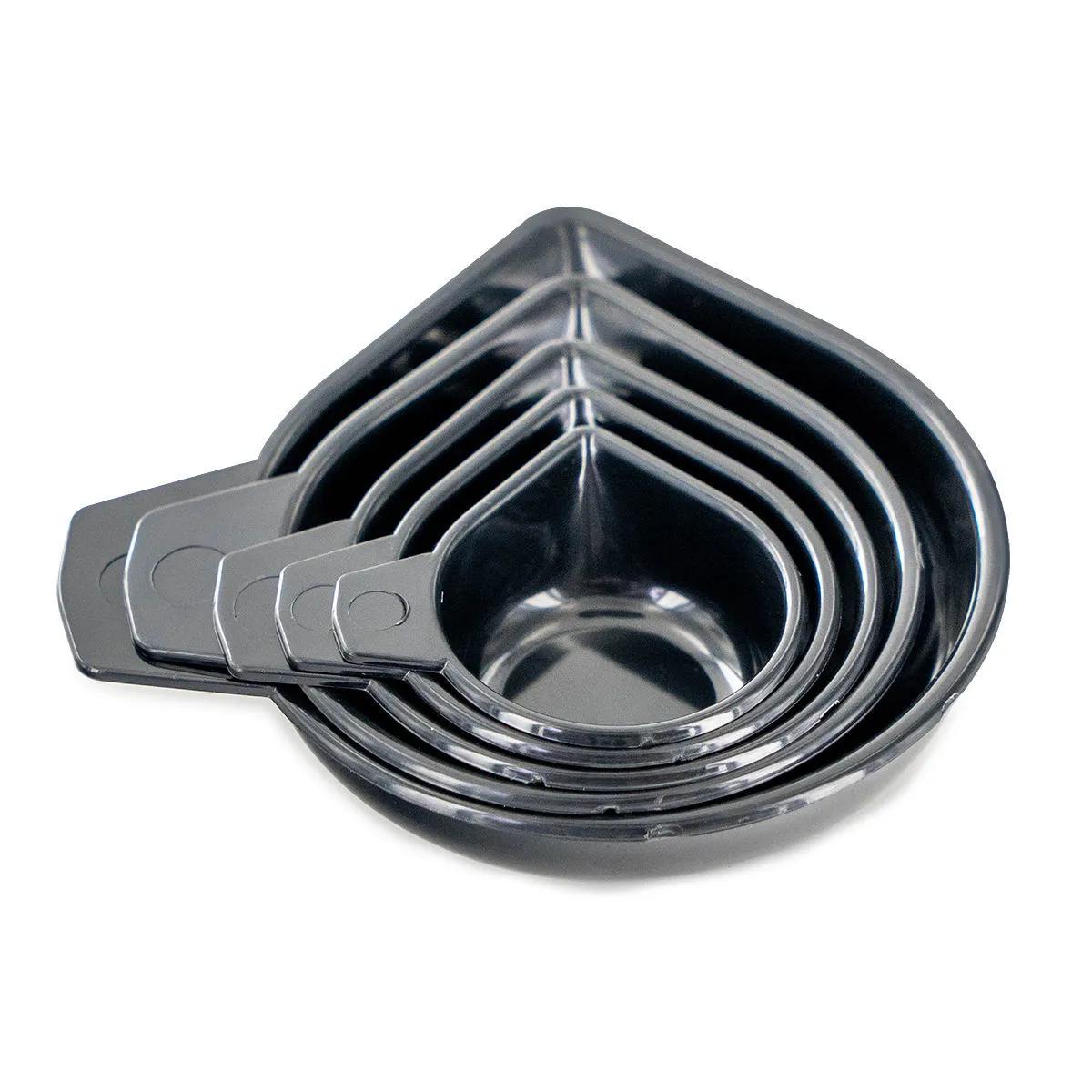
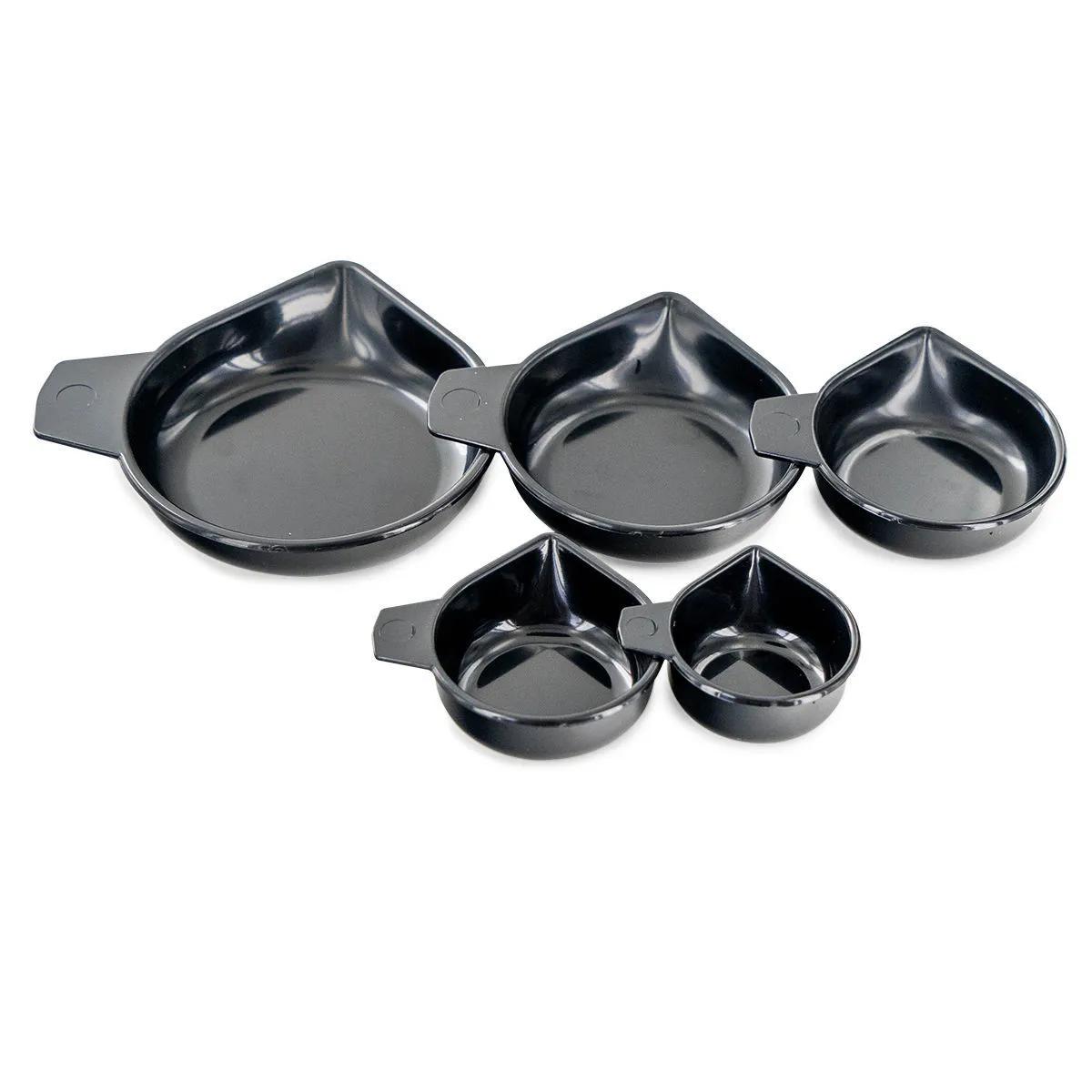
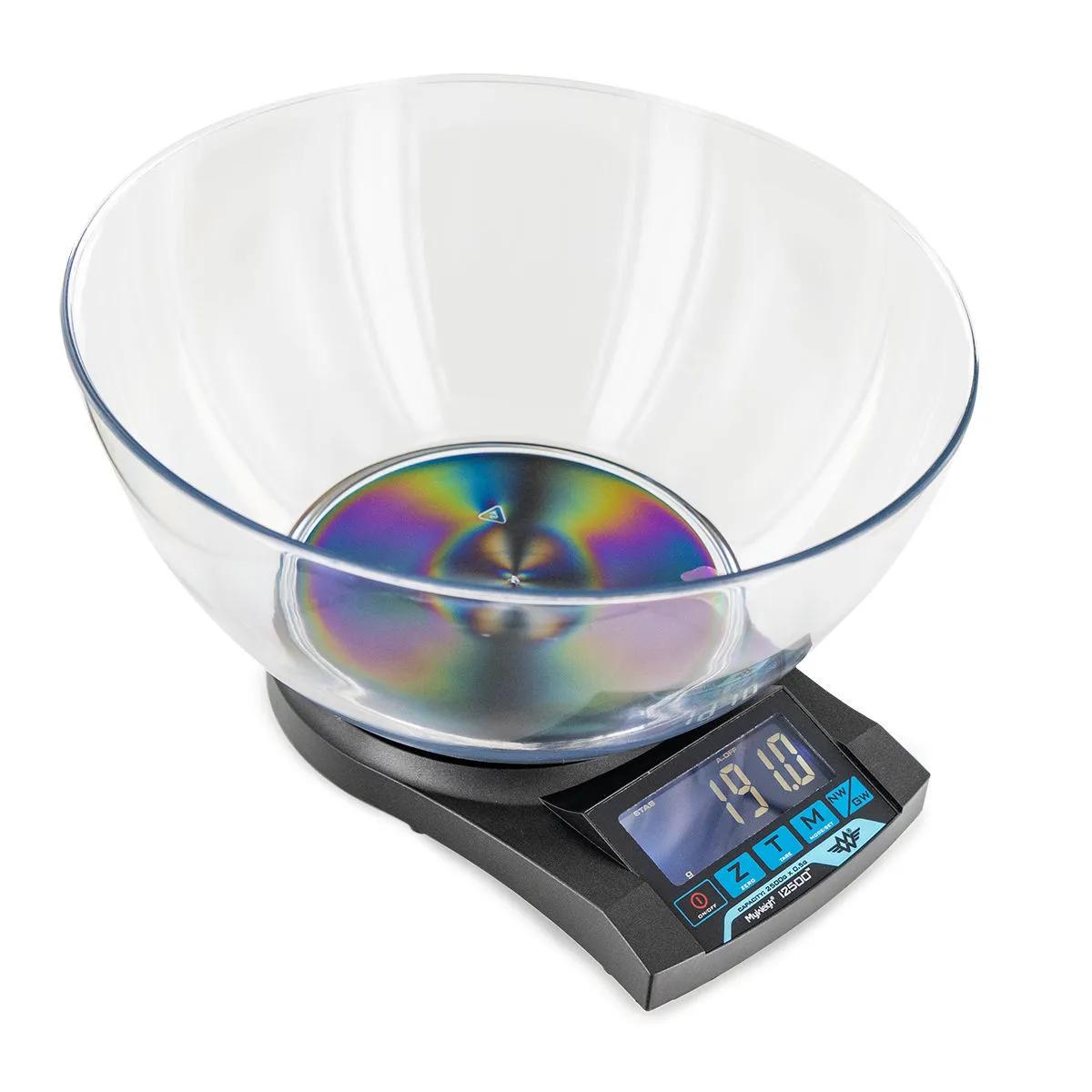
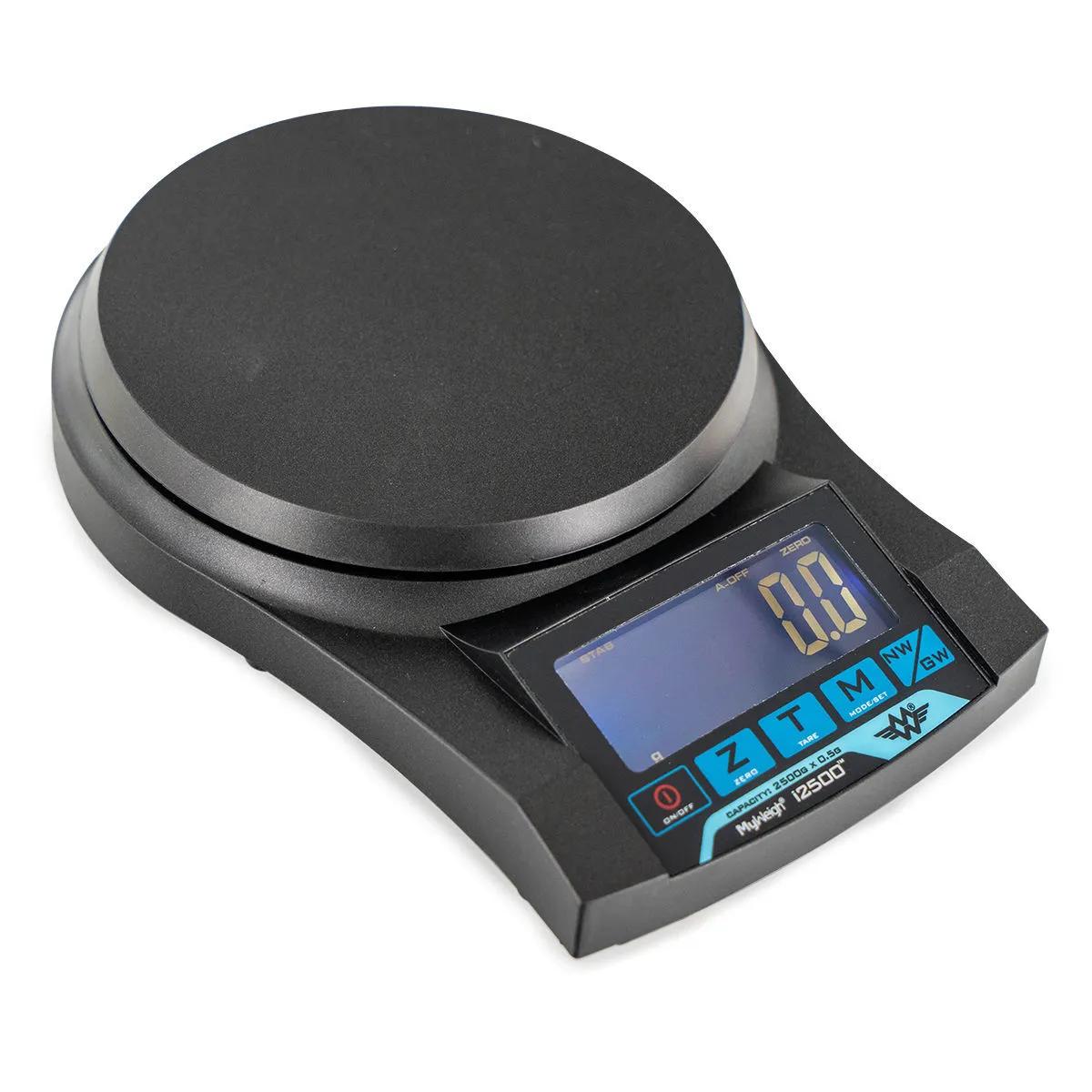
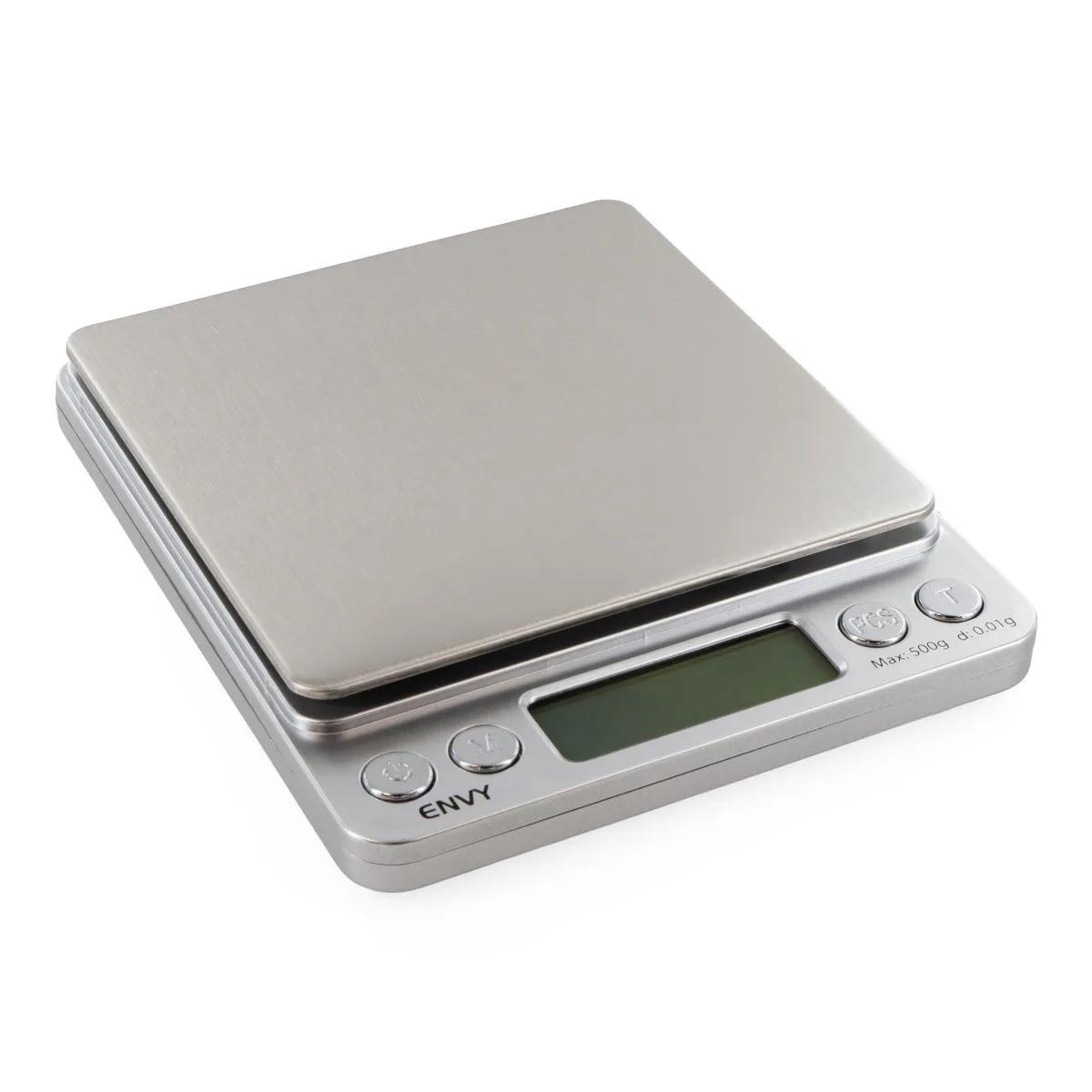
The On Balance Envy Mini Scale is a pocket-sized digital scale that reads down to 0.01g increments across a 500g capacity — proper lab-grade precision in something smaller than a paperback. With a 10 x 10cm stainless steel platform, backlit display, and two nesting weighing trays that double as a protective carry case, this is the mini scale we'd grab off the shelf if we needed one right now. On Balance has been making reliable scales for years, and the Envy is their flagship miniature model for good reason.
What Makes the Envy Mini Scale Worth It
A 0.01g readability on a scale this size is genuinely useful. You can weigh anything from a fraction of a gram up to half a kilogram with confidence that the reading is accurate. The stainless steel weighing platform measures 10 x 10cm — nearly as large as the scale body itself (12.6 x 10.5cm) — so you're not trying to balance things on a tiny postage-stamp surface. That's a real advantage over cheaper mini scales where the platform is barely 5cm across.
The build feels solid without being heavy. At 174.5g with batteries installed, you'll barely notice it in a bag. The durable plastic casing protects the internals, and the two included weighing trays click together around the scale to form a carrying case. It's a clever bit of design that means you don't need to wrap it in a sock or hunt for a box every time you want to take it somewhere.
One honest limitation: like any scale in this price range, the 0.01g precision is most reliable in the mid-range — say 0.5g to 400g. At the absolute extremes (weighing 0.02g or pushing close to 500g), you may see slight variance. For everyday weighing tasks, though, it's spot on.
Specifications
| Spec | Value |
|---|---|
| Capacity | 500g |
| Readability | 0.01g |
| Scale Dimensions | 12.6 x 10.5 x 1.8cm |
| Platform Size | 10 x 10cm |
| Net Weight (with batteries) | 174.5g |
| Power | 2 x AAA batteries (included) |
| Warranty | 10 years |
| SKU | HS1604 |
What's in the Box
| Item | Quantity |
|---|---|
| On Balance Envy Mini Scale | 1 |
| Weighing trays (double as carry case) | 2 |
| AAA batteries | 2 |
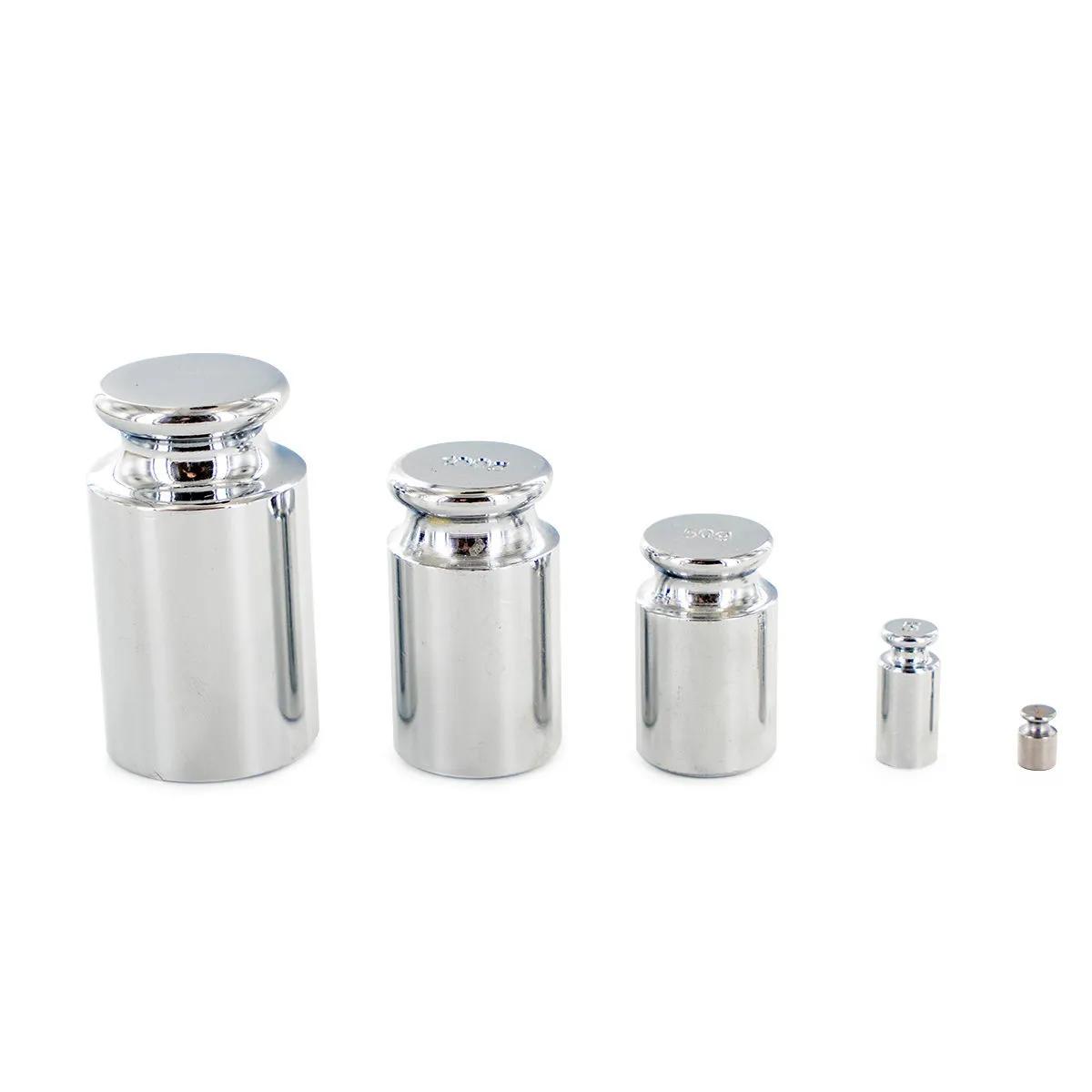
Complete your weighing setup with calibration weights to keep your Envy Mini Scale reading true over time. A set of precision calibration weights is the best way to verify accuracy before each session — especially if you're weighing small quantities where 0.01g matters.
Why a 0.01g Scale Matters
We've seen people try to get by with kitchen scales that read to 1g or even 0.5g. For cooking pasta, that's fine. For weighing herbs, botanical extracts, or gemstones, it's not even close. A 0.5g margin of error means you could be 50% off on a 1g measurement. At 0.01g resolution, the Envy gives you the kind of precision that actually means something at small weights.
The counting function (PCS button) is a nice touch that most people overlook. If you need to count small identical items — beads, seeds, capsules — you weigh a sample of 10, press PCS, and the scale calculates how many are on the platform based on average weight. It's faster and more accurate than counting by hand, especially once you get past a few dozen pieces.
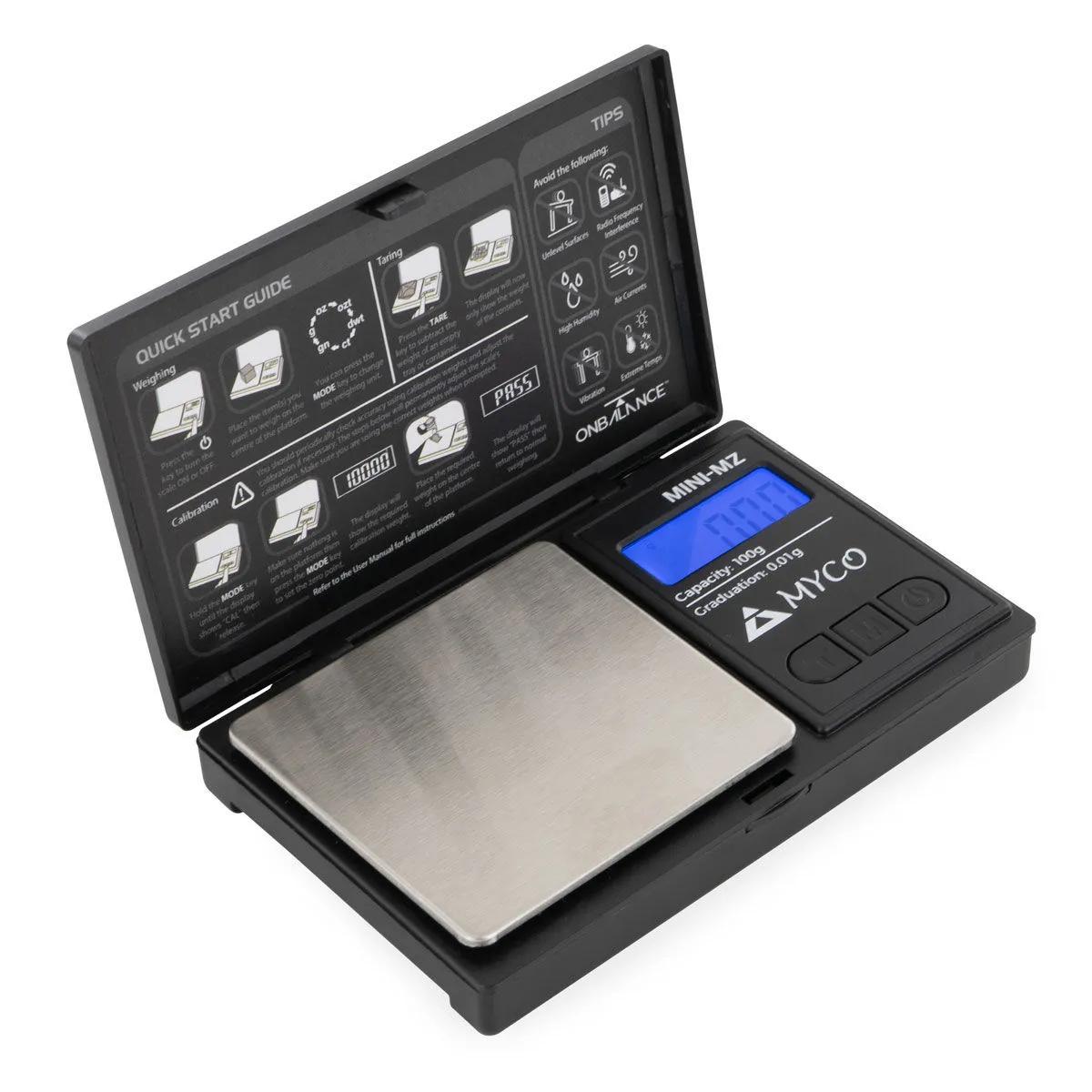
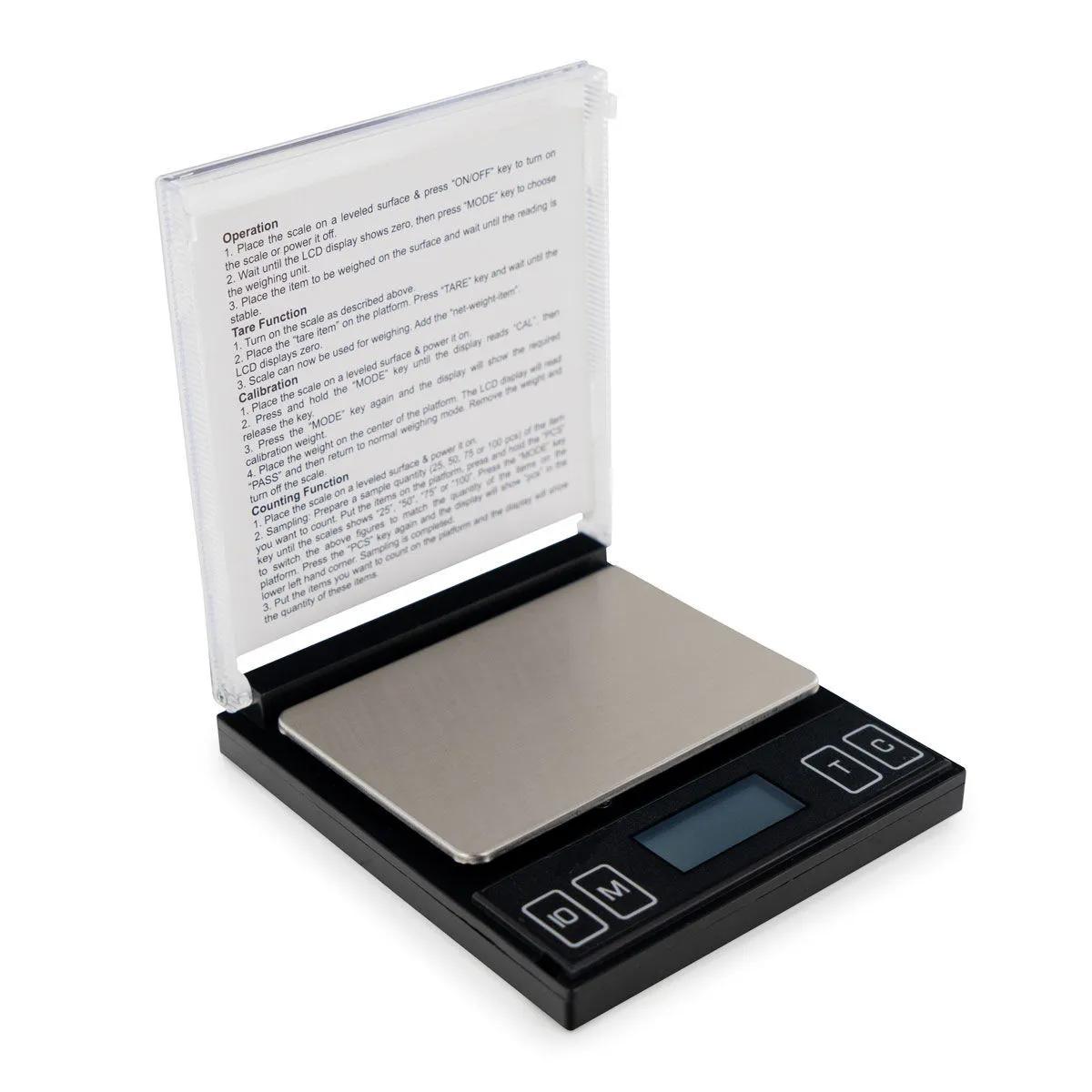
Compared to the On Balance DX-500 or the Myco MZ-100, the Envy sits in a sweet spot: larger platform than the MZ-100, same 0.01g precision, and a much higher 500g capacity. If you only need to weigh up to 100g, the MZ-100 is lighter and cheaper. But if there's any chance you'll want to weigh something over 100g, the Envy is the better buy — we'd pick it over the smaller models every time.
How to Use the On Balance Envy Mini Scale
- Remove the two weighing trays from around the scale and set one on the stainless steel platform if you need a container for loose material.
- Press the ON/OFF button. The backlit display will illuminate and the scale will auto-calibrate to zero.
- If you placed a weighing tray on the platform, press TARE to zero out its weight. The display should read 0.00g.
- Place your item on the platform or in the tray. The display shows the weight in your selected unit.
- To change units, press the MODE button to cycle through available weight measurements (g, oz, ozt, dwt, ct, gn).
- To use the counting function, place a known number of identical items on the platform, then press PCS and follow the on-screen prompts.
- Press ON/OFF to switch off when finished. Nest the two trays back around the scale for storage and transport.