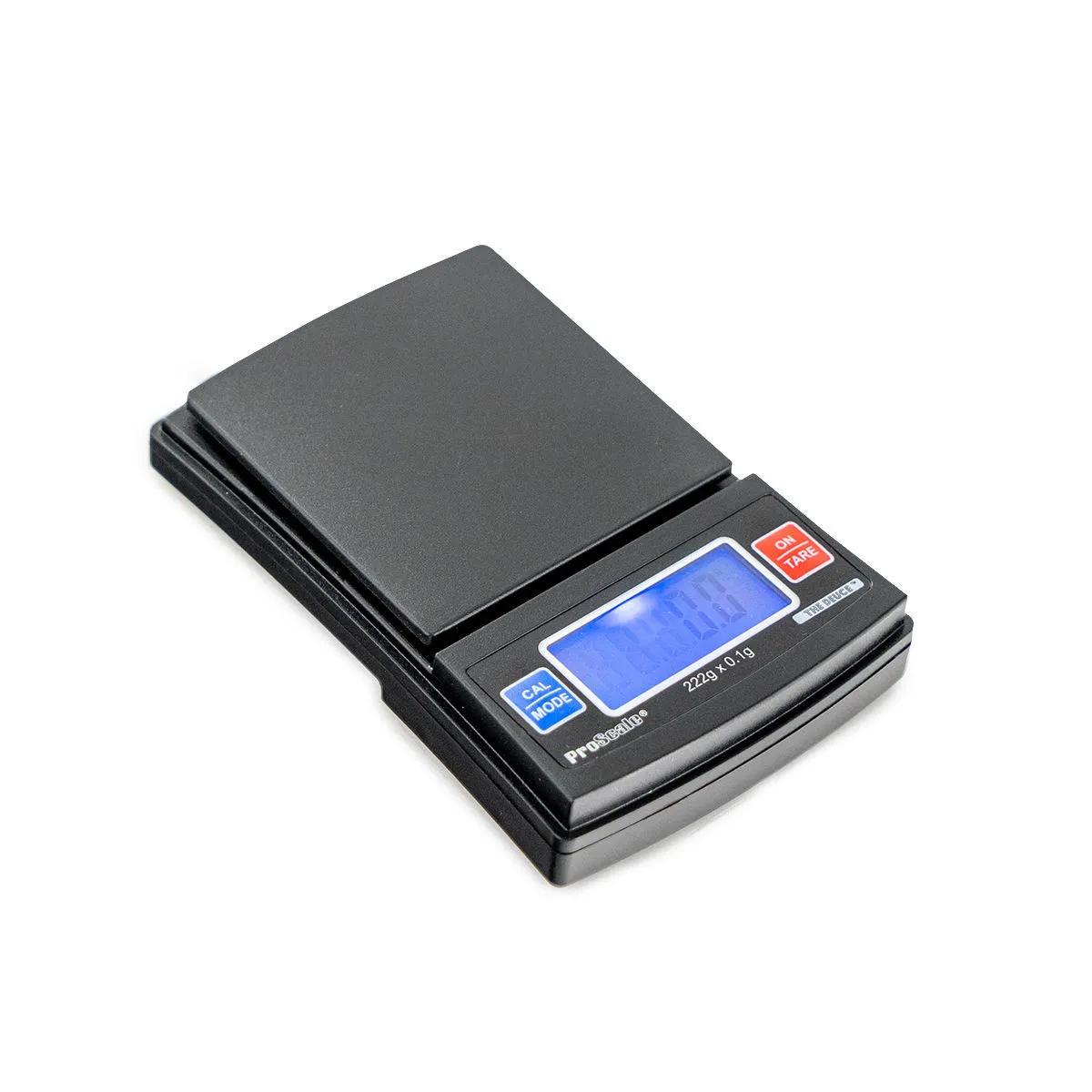
Proscale 222 The Deuce — Pocket Digital Scale
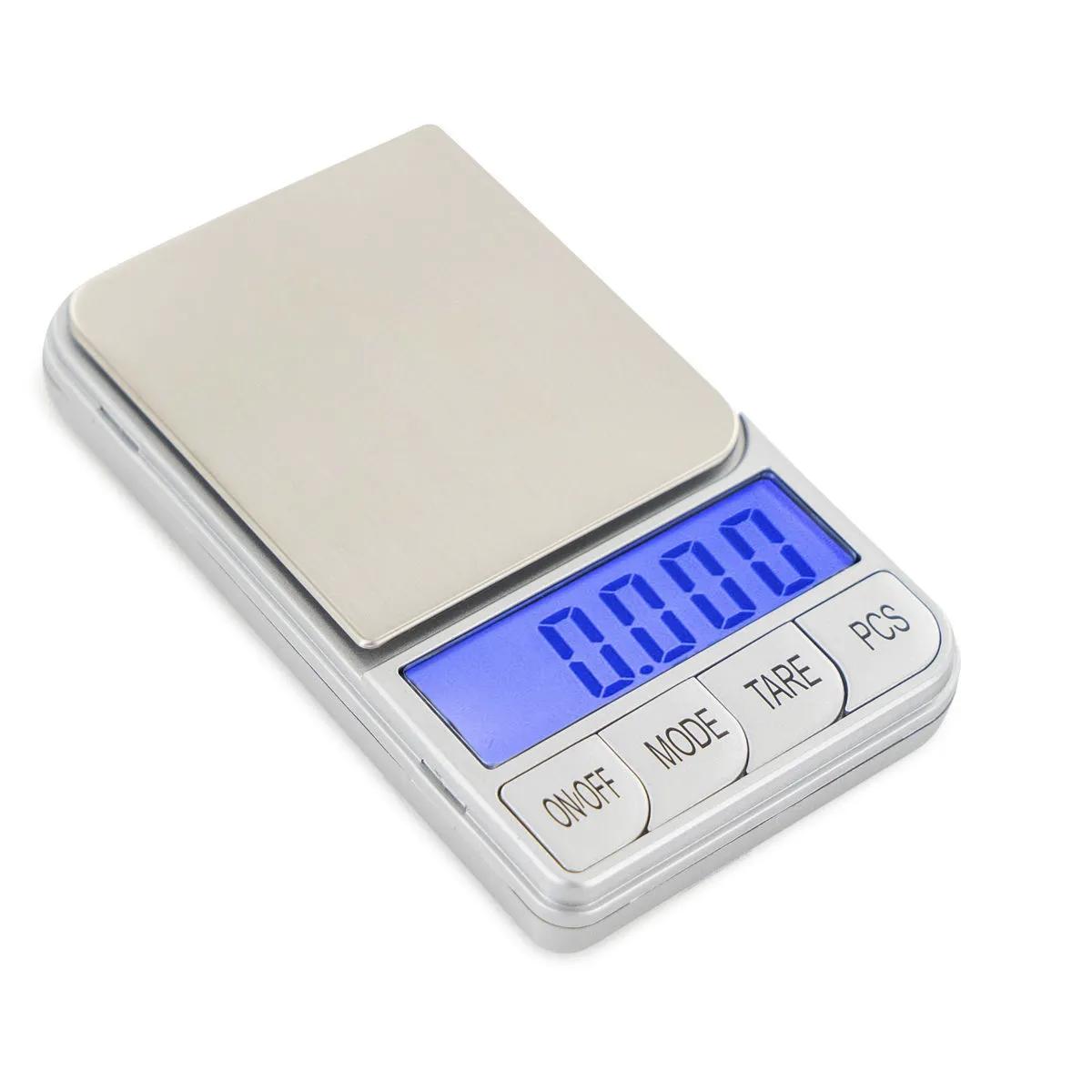
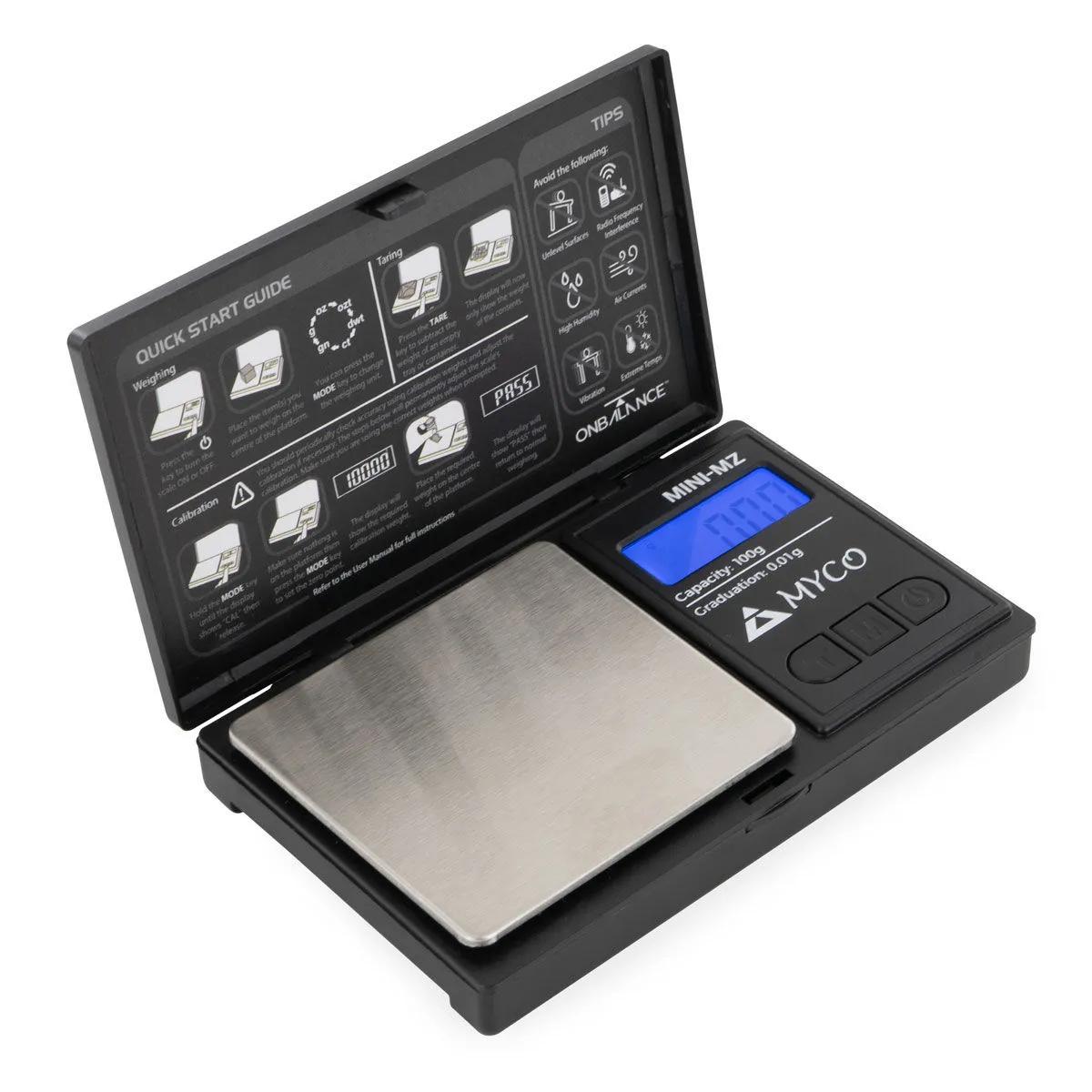
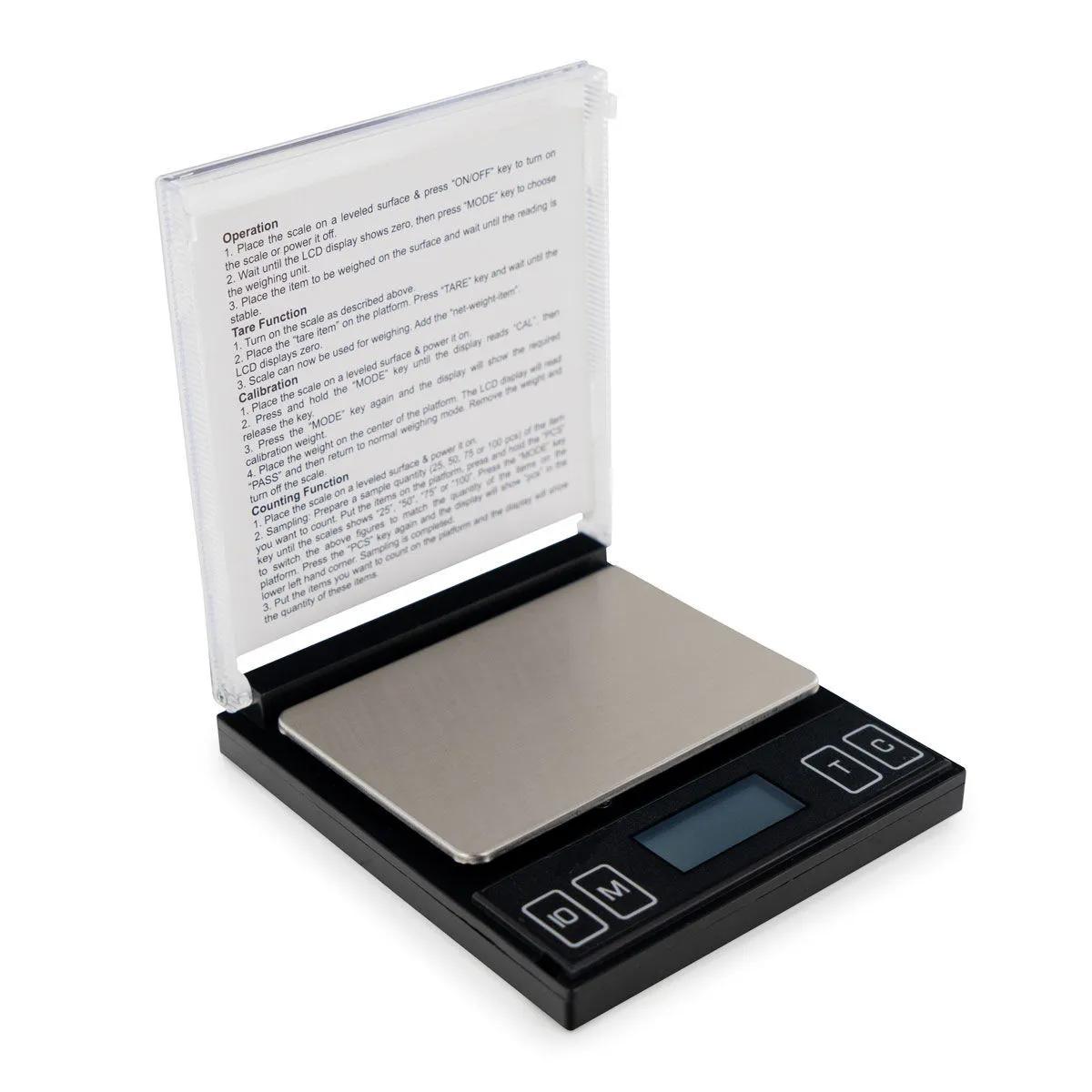
The Proscale 222 is a pocket-sized digital scale with a 222g capacity and 0.1g readability that fits in the palm of your hand. At just 8.9cm x 6.35cm x 1.9cm, it's built for accuracy on the move — the tough clamshell cover doubles as an oversized weighing tray when you need extra surface area. Factory-calibrated and ready to go straight out of the box.
Why the Proscale 222 Pocket Scale Earns Its Keep
Cheap scales die. The Proscale 222 sits in a different bracket. The 222g capacity with 0.1g precision means you can weigh anything from a fraction of a gram up to nearly a quarter kilo with confidence. That's a genuinely useful range for herbs, resins, cooking ingredients, jewellery components — anything where guessing isn't good enough.
The build quality is where you feel the difference. Pick it up and there's a reassuring density to it — it doesn't flex or creak when you press the buttons. The clamshell cover clicks shut with a solid snap, and the hinge has a stiffness that suggests it'll still be opening and closing long after flimsier scales have gone to landfill. The one honest limitation: at 0.1g resolution, it's not the right tool if you need milligram precision. For that, you'd want a 0.01g scale like the Proscale LCS100. But for everyday weighing at 0.1g increments, the 222 is the one we'd grab off the shelf ourselves.
There's a practical cleverness to the design that's easy to miss. That tough cover isn't just protection — flip it over and the raised edges turn it into a weighing tray with significantly more surface area than the built-in platform. Bulkier materials that would slide off a small platform sit neatly inside the cover-tray. It's one of those details that sounds minor until you actually need it.
Specifications for the Proscale 222 Digital Scale
| Spec | Value |
|---|---|
| Capacity | 222g |
| Readability | 0.1g |
| Dimensions | 8.9 x 6.35 x 1.9cm |
| Display | Blue backlit LCD |
| Calibration | Factory-calibrated; user recalibration with 200g weight |
| Weighing units | Multiple (g, oz, ozt, dwt, gn, ct) |
| Power | 2 x AAA batteries (included) |
| Auto-off | Yes — activates after period of inactivity |
| Tare function | Yes |
| Accessories included | VibraKill anti-vibration pad |
| Memory function | Remembers last weighing unit used |
| SKU | HS0131 |
Features That Actually Matter on the Proscale 222
The Proscale 222 pocket scale packs a surprising number of thoughtful features into its compact frame. Here's what sets it apart from the generic scales flooding the market.
Blue backlit LCD screen. The big numbers on the blue-lit display are readable in dim rooms, bright sunlight, and everything in between. No squinting, no tilting the scale at odd angles — you just read the number. Simple, but a lot of budget scales get this wrong.
VibraKill anti-vibration pad. This is the feature that made us pay attention. The included rubber pad sits under the scale and dampens vibrations from traffic, bass, footsteps — anything that would make a standard scale flicker between readings. If you've ever tried weighing something on a wobbly table near a road and watched the numbers dance, you'll appreciate this. It's a small rubber mat. It makes a big difference.
Tare function. With 222g of capacity, you'll likely use a bowl or container for larger amounts. Hit tare, the display zeros out, and you weigh only what you add. You can also do incremental compound weighs — add one ingredient, tare, add the next. Straightforward and reliable.
Auto-off. Leave the scale sitting idle and it shuts itself down to save battery. Handy if you're the type to walk away mid-task. The 2 AAA batteries last a good while as a result.
Memory function. The Proscale 222 remembers the last weighing unit you used, so you're not cycling through grams, ounces, troy ounces, pennyweights, grains, and carats every time you switch it on. A small touch, but one that saves genuine annoyance over time.
How to Use the Proscale 222 Pocket Scale
- Open the clamshell cover and press the power button. The blue backlit display will illuminate and the scale will show 0.0g after a brief startup sequence.
- Place the scale on a flat, stable surface. For best results, place the included VibraKill anti-vibration pad underneath — this dampens any environmental vibrations that could affect accuracy.
- If you're using a container or bowl, place it on the platform first, then press the tare button to zero out the weight of the vessel.
- Add your material to the platform (or the cover-tray for bulkier items — just flip the cover upside-down and place it on the weighing surface, then tare).
- Read the weight on the blue LCD display. To switch units, press the mode button to cycle through grams, ounces, troy ounces, pennyweights, grains, and carats.
- For compound weighing, add your first item, note the weight, press tare to zero, then add the next item. Repeat as needed — the 222g total capacity is your ceiling.
- When finished, press the power button to switch off, or simply leave it — the auto-off function will handle shutdown after a period of inactivity.
- To recalibrate: with the scale off, hold the calibration button during power-on (check the included manual for the exact sequence), place a 200g calibration weight on the platform when prompted, and confirm. Factory calibration is solid, but recalibrating every few months keeps things precise.
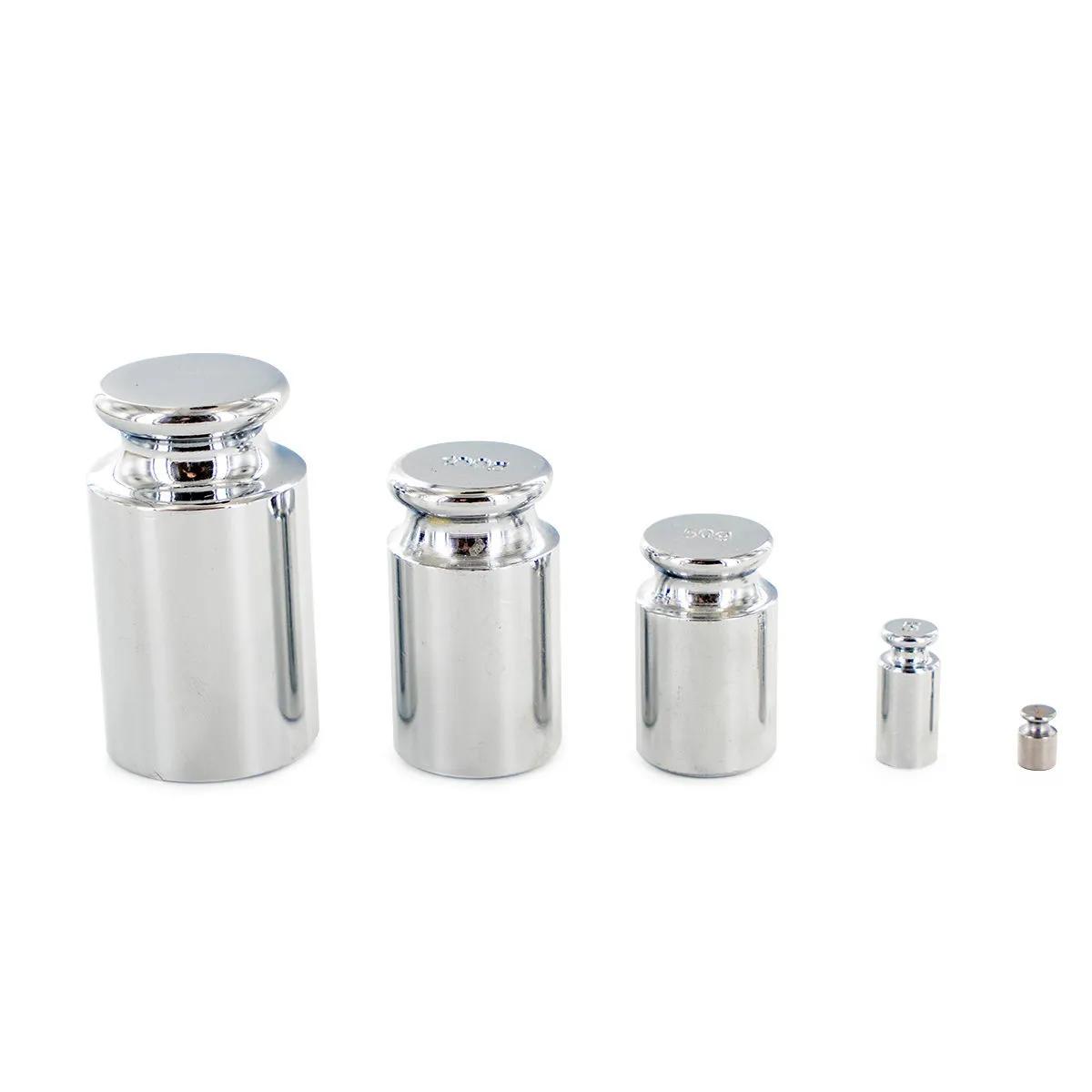
Complete your setup with a 200g calibration weight to keep the Proscale 222 reading true over time. If you need finer 0.01g precision for smaller quantities, have a look at the Proscale LCS100 — it pairs well as a companion scale for different tasks.
Frequently Asked Questions
How do I calibrate the Proscale 222 pocket scale?
It arrives factory-calibrated and ready to use. For recalibration, you'll need a 200g calibration weight. Power on while holding the calibration button, place the weight when prompted, and confirm. The included manual walks you through the exact button sequence — takes under a minute.
Can I use the cover as a weighing tray on the Proscale 222?
Yes — that's one of its best features. Flip the clamshell cover upside-down, place it on the platform, press tare to zero out its weight, and you've got a larger surface area with raised edges. Handy for bulkier materials that would overhang the small built-in platform.
What does the error code oEU2 mean on the Proscale 222?
The oEU2 error typically means the scale was overloaded at some point or there's a calibration issue. Try removing everything from the platform, powering off completely, and restarting on a flat surface. If it persists, recalibrate with a 200g weight. If that doesn't clear it, contact us — it may need a reset.
Is 0.1g accuracy enough for precise weighing?
For most everyday tasks — herbs, spices, small components, postal weighing — 0.1g is more than sufficient. If you need milligram-level precision (0.01g), you'll want a jeweller-style scale like the Proscale LCS100 instead. The 222 is built for a broader capacity range, not ultra-fine measurements.
How long do the batteries last in the Proscale 222?
The 2 AAA batteries last several months with regular use, thanks to the auto-off feature that shuts the scale down after a period of inactivity. Heavier users might get 2-3 months; occasional users can go 6 months or more before needing to swap them out.
What does the VibraKill pad actually do?
It's a rubber anti-vibration mat that sits under the scale and absorbs environmental vibrations — traffic rumble, footsteps, bass from speakers. Without it, readings can fluctuate on unstable surfaces. With it, the display stays steady. It's a small accessory that makes a noticeable difference to accuracy.
What weighing units does the Proscale 222 support?
It cycles through grams (g), ounces (oz), troy ounces (ozt), pennyweights (dwt), grains (gn), and carats (ct). The memory function remembers your last-used unit, so you won't have to cycle through all six every time you power on.
Last updated: April 2026