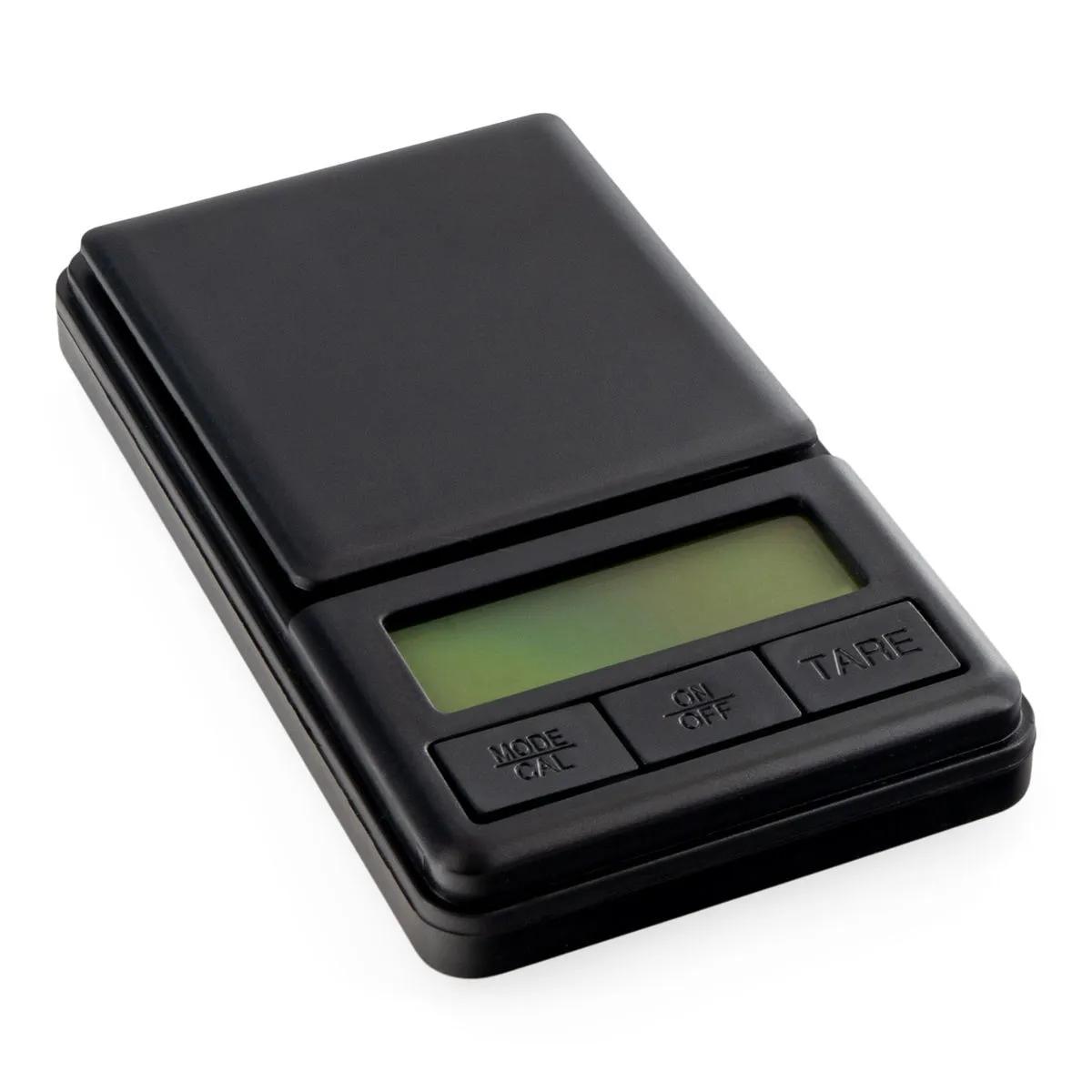
On Balance Myco Digital Scales — Accurate Weighing in Your Pocket
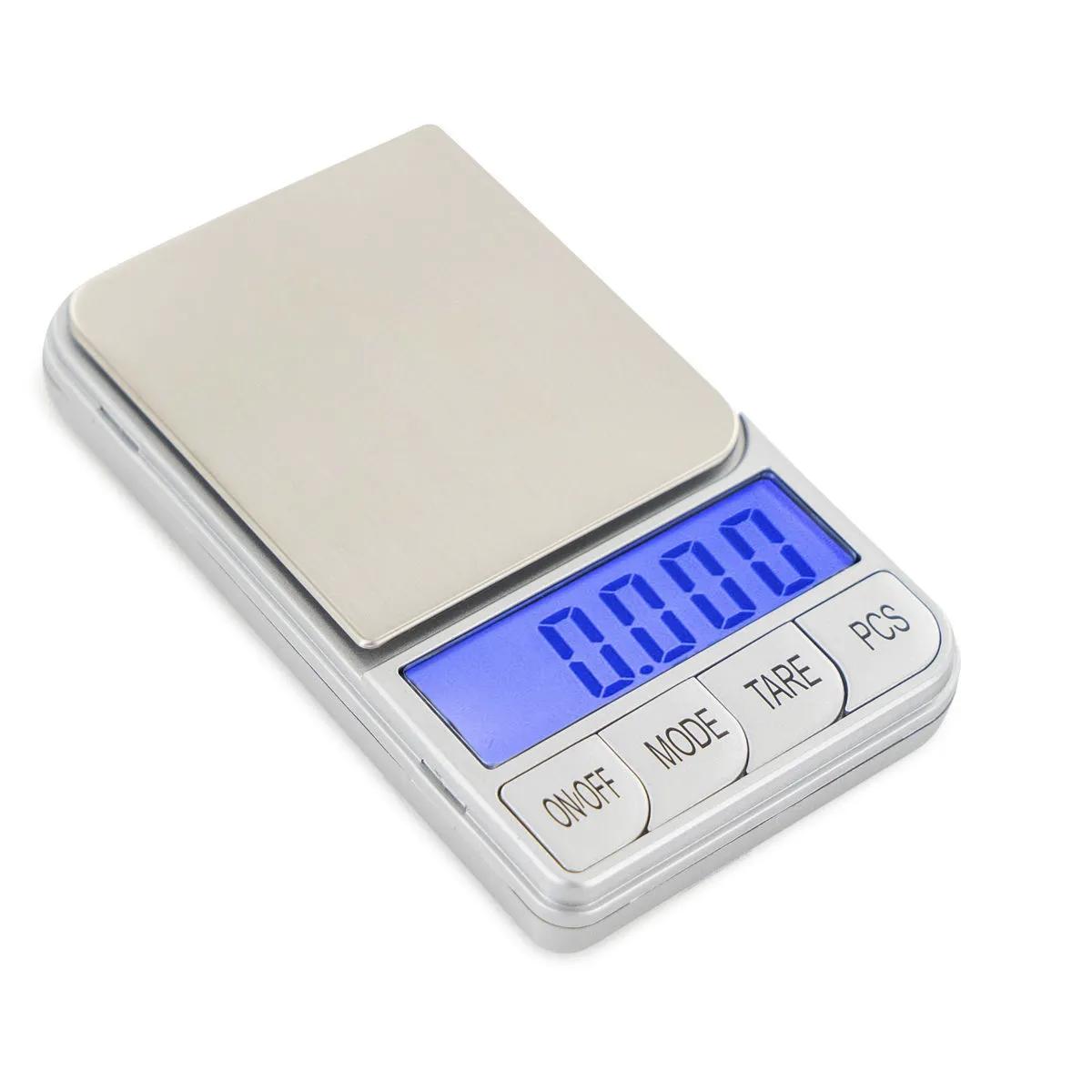
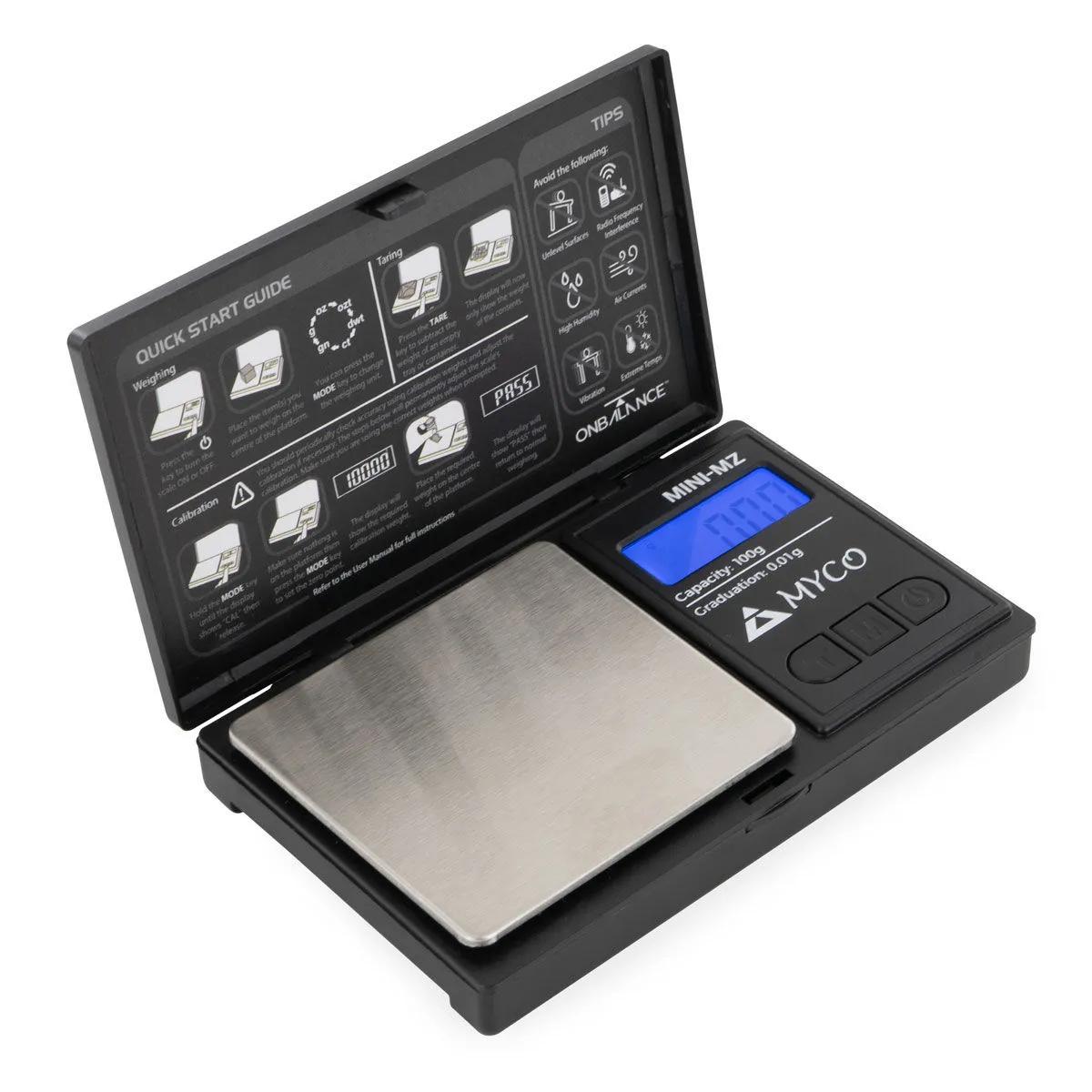
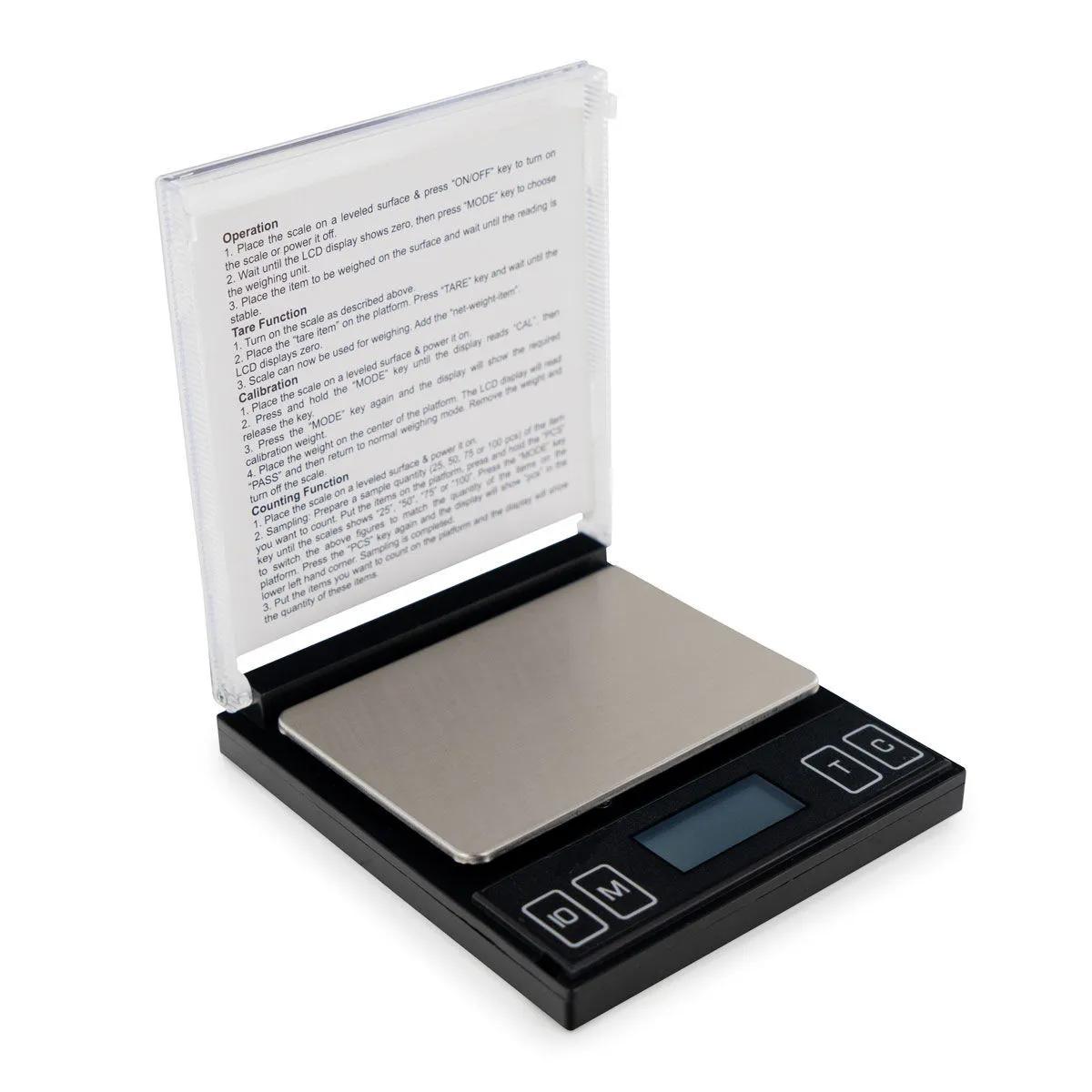
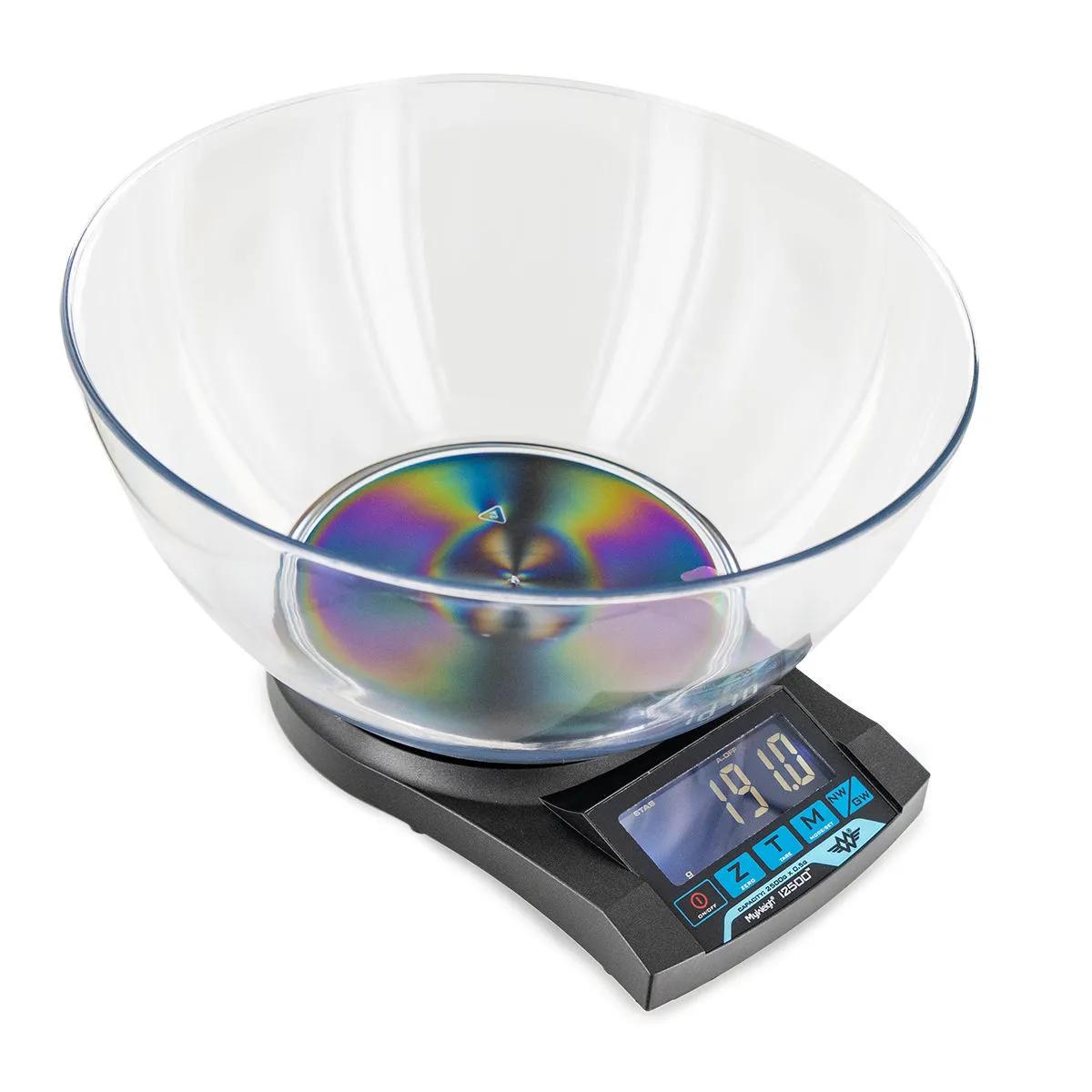
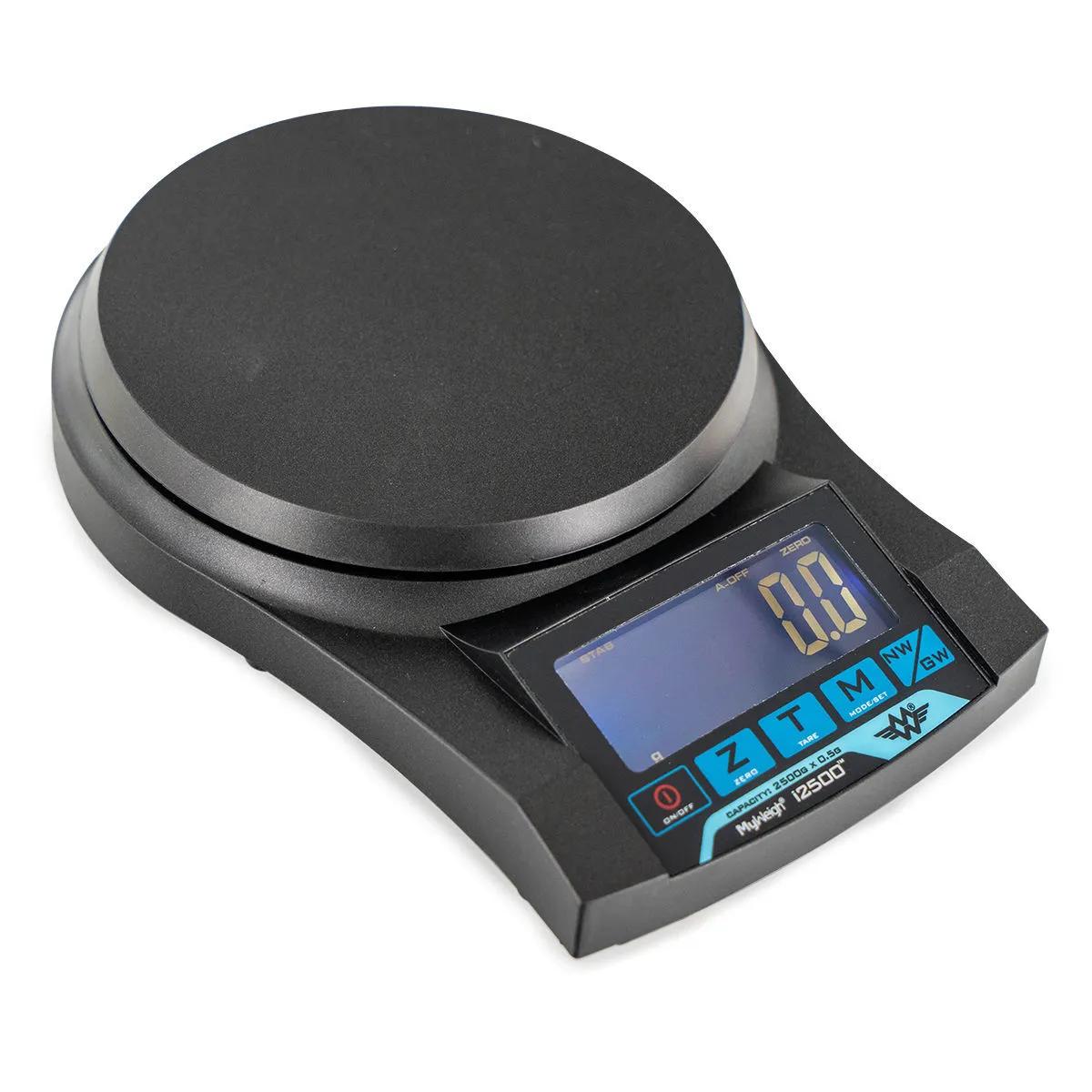
The On Balance Myco is a compact digital pocket scale that delivers reliable precision for weighing herbs, fungi, and botanicals. Available in two variants — the MX-100 (100g capacity, 0.01g resolution) and the MX-600 (600g capacity, 0.1g resolution) — these scales pack serious accuracy into a palm-sized unit with a hard plastic cover that doubles as a weighing tray. Whether you're measuring out 0.05g of a dried herb or portioning 500g of substrate, there's a Myco for the job.
Which Myco Do You Need?
| Feature | MX-100 | MX-600 |
|---|---|---|
| Capacity | 100g | 600g |
| Precision | 0.01g | 0.1g |
| Best for | Small quantities — herbs, fungi, microdosing prep | Larger batches — substrate, bulk herbs, cooking |
| Reads to | Two decimal places | One decimal place |
| SKU | HS0119 | HS0120 |
Short version: if you need to measure anything under 100g and accuracy matters down to the hundredth of a gram, go MX-100. If you're weighing bigger amounts and 0.1g resolution is fine, the MX-600 gives you six times the capacity. We'd pick the MX-100 for most smartshop use — 0.01g precision is genuinely useful when you're working with potent dried botanicals.
Specifications — On Balance Myco Digital Scale
| Specification | Value |
|---|---|
| Brand | On Balance |
| Model | Myco MX-100 / MX-600 |
| Capacity | 100g (MX-100) / 600g (MX-600) |
| Resolution | 0.01g (MX-100) / 0.1g (MX-600) |
| Display | Backlit LCD |
| Unit conversion | g, oz, ozt, dwt, ct, gn |
| Calibration | One-touch |
| Protection | Overload protection |
| Power | 2x AAA batteries (included) |
| Auto-off | Yes — power-saving mode |
| Cover | Removable hard plastic (doubles as weighing tray) |
| Tare function | Yes |
Complete your setup: pair the Myco with a set of precision tweezers for handling small quantities of dried herbs, or grab a stash jar to keep your weighed portions fresh and airtight. If you're working with grow kits, the MX-600 is handy for weighing substrate and harvest yields.
Why a Decent Digital Scale Actually Matters
We've been selling scales at Azarius since the early 2000s, and the number one mistake we still see is people eyeballing quantities. A "pinch" of dried herb can vary by 200-300% depending on whose fingers are doing the pinching. When you're working with potent botanicals — psilocybin truffles, concentrated extracts, or finely ground powders — the difference between 0.5g and 1.5g isn't just academic. It's the difference between a mild experience and an overwhelming one.
The Myco MX-100 reads to 0.01g, which means you can distinguish between 0.10g and 0.15g. That level of precision matters. According to harm reduction guidance from organisations like Trimbos, knowing your exact dose is one of the most effective ways to reduce risk with any substance. A kitchen scale that reads to 1g increments simply can't do this job — you'd be rounding up or down by amounts that actually matter.
The honest limitation? The MX-100 tops out at 100g, so if you're weighing anything heavier — say, a full bag of dried herbs or a substrate batch — you'll need the MX-600 or a larger scale entirely. And like any pocket scale, the Myco is sensitive to surface vibration and airflow. Use it on a flat, stable surface away from drafts for the most accurate readings.
How to Use the On Balance Myco Scale
- Remove the hard plastic cover from the scale body. Place the scale on a flat, stable surface — a table or countertop works well. Avoid soft surfaces like beds or carpet, which cause inaccurate readings.
- Press the power button. The backlit LCD display will illuminate and show 0.00g (MX-100) or 0.0g (MX-600). Wait a moment for the reading to stabilise at zero.
- If you want to use the cover as a weighing tray, place it on the scale platform and press the tare button. The display resets to zero, subtracting the tray weight. You can also tare with any small container — a shot glass, a piece of rolling paper, whatever suits the material.
- Gently place your material on the tray or platform. Wait 2-3 seconds for the reading to settle. The display shows the weight in your selected unit (default is grams).
- To switch units, press the mode button to cycle through g, oz, ozt, dwt, ct, and gn. The conversion happens automatically — no maths required.
- When finished, press and hold the power button to switch off, or simply leave it — the auto-off function kicks in after a period of inactivity to preserve battery life.
- Replace the hard plastic cover over the weighing platform to protect the sensor during storage and transport. The cover clicks on snugly and keeps dust and debris out.
Calibration Tip
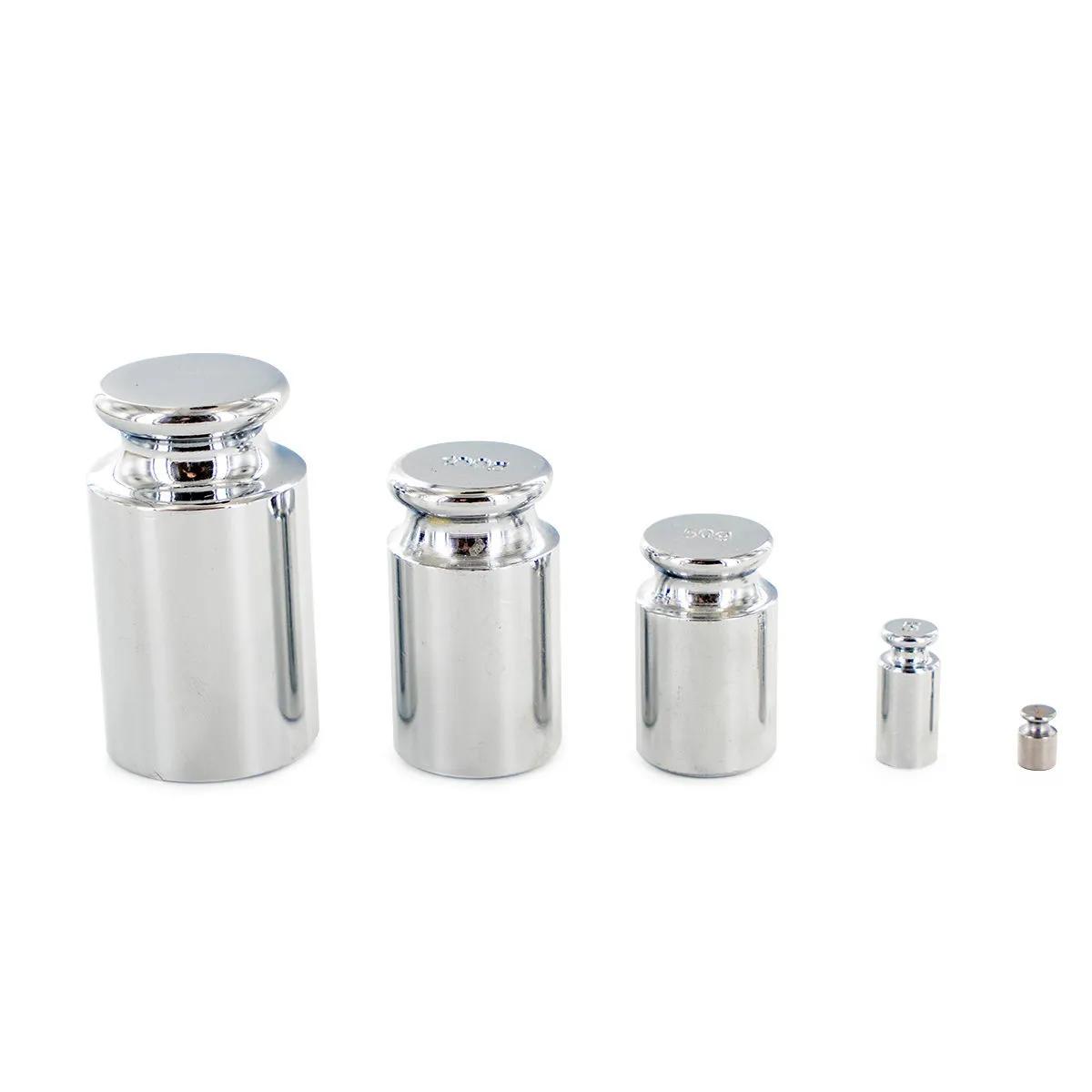
The Myco features one-touch calibration, which you should run whenever you change batteries or if readings seem off. You'll need a calibration weight that matches the scale's capacity (100g for MX-100, 600g for MX-600). Hold the calibration button, place the weight when prompted, and the scale adjusts itself. Takes about 10 seconds. If you don't have a calibration weight, a stack of coins of known weight can work in a pinch — but a proper weight is always better.